
Boost Your Workflow: 10 Free Dev & Design Tools 2026

Alisha Anjum
Introduction
Most of us know the feeling. Tabs everywhere, three different subscriptions renewing each month, and a quiet worry about where our data goes each time we run a tiny task. When we put together Boost Your Workflow: 10 Essential Free Dev & Design Tools for 2026, we wanted a calmer, cleaner setup instead.
In 2026, free no longer means limited or clunky. Many of the best developer tools, design tools, and productivity apps now have generous free plans or are fully free with no sign up at all. That is great news for students, freelancers, and small teams who care about speed and privacy more than fancy marketing pages.
In this guide, we walk through ten tools that cover almost everything a modern creator touches in a week. From code editors and version control to color palettes and API testing, each pick earns its place by saving time in real, everyday work. We start with Tools Repository, our own all in one utility hub that quietly connects the rest of this stack.
Key Takeaways
Every pick in Boost Your Workflow: 10 Essential Free Dev & Design Tools for 2026 is free to use or includes a strong no cost plan that works well for solo users and small teams. Paid upgrades exist, yet they are not needed to get serious work done.
The list covers the full pipeline from idea to deployment. Code editing, version control, user interface design, quick marketing visuals, API checks, project planning, and everyday utility jobs all appear, so one person can run an entire project with this stack.
Tools Repository sits at the center as a privacy friendly utility hub. It provides more than one hundred focused tools with no login and no tracking, which makes it a good fit for people who care about speed and data safety at the same time.
Each tool helps with a specific slow point in real workflows. When they are combined, context switching drops, boring steps shrink, and there is more space for design thinking, deep coding, and writing that actually matters.
#1 Tools Repository — Your All in One Free Utility Hub
We built Tools Repository to solve a simple problem. Developers, designers, and writers kept bouncing between tiny single use sites for tasks like formatting JSON, generating CSS, or cleaning text. Each visit meant new cookies, new pop ups, and more clutter. We wanted one quiet place where all of those jobs could live.
Tools Repository brings more than one hundred high speed tools together in a clean, minimal interface, including:
CSS generators and web layout helpers
Color and UI utilities such as contrast checkers
Text and code formatters for JSON, HTML, SQL, and more
SEO and meta tag tools for quick page checks
Data converters (for example CSV ↔ JSON) and calculators
Security helpers such as strong password generators
Everything runs in the browser, so there is nothing to install and nothing to maintain.
The model is simple. It is completely free: no subscriptions, no login, and no user tracking. The entire platform is open source, so anyone can read the code and see how their data is handled. If you like the idea behind Boost Your Workflow: 10 Essential Free Dev & Design Tools for 2026, Tools Repository is the glue that holds this kind of stack together for daily use.
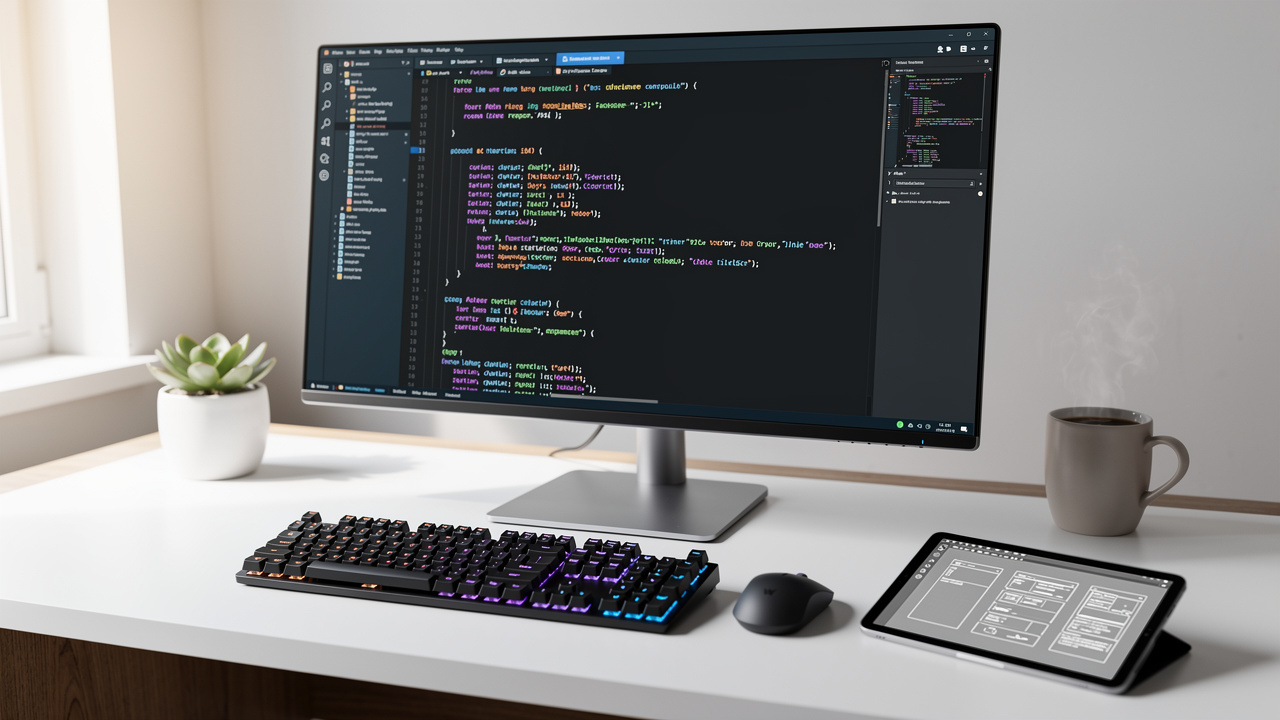
#2 Visual Studio Code — The Developers Default Workspace

For many developers, Visual Studio Code is home base. It is a free, lightweight editor that runs on Windows, macOS, and Linux, and it handles everything from quick script edits to full web applications. Out of the box it stays simple, which is helpful for students and new coders.
The real strength comes from its extension marketplace. With a few clicks we can add:
Language support for JavaScript, Python, Go, Rust, and more
Linters and formatters for clean, consistent code
Debuggers and testing tools
Git integrations and project explorers
Framework helpers for React, Vue, Laravel, and others
GitHub Copilot and other AI assistants plug straight into VS Code as well, so we can get smart code suggestions without leaving the editor.
Because almost every language and framework has extensions, one setup can follow us from side projects to client work. If we ever want to explore AI first editors, tools such as Cursor are growing fast, yet VS Code still feels like the free baseline that everything else builds on.
“Programs must be written for people to read, and only incidentally for machines to execute.”
— Harold Abelson and Gerald Jay Sussman
#3 GitHub — Free Version Control and Collaboration for Every Team
Behind almost every serious project sits Git, and for many of us, Git lives on GitHub. GitHub offers free hosting for public and private repositories, which means individuals, students, and freelancers can use industry standard version control without paying a cent. We can track every change, branch freely, and roll back when something breaks.
On top of simple hosting, GitHub adds collaboration features that make team work less stressful:
Pull requests give us a clear space for reviews and comments.
Issues and project boards turn bugs and tasks into trackable items.
Wikis and markdown files keep documentation close to the code.
GitHub Actions brings automation into the same place by running tests or builds whenever we push. Dependabot quietly checks dependencies and opens pull requests when a security fix is available. Designers and front end teams also use GitHub to manage design tokens, pattern libraries, or static sites, so both code and visuals can stay in sync.
#4 Figma — The Free to Start Industry Standard for UI UX Design

When we think about modern interface design, Figma is usually the first name that comes to mind. It runs in the browser, has desktop apps for people who want them, and offers a generous free plan that easily supports students, solo designers, and small teams. There is no clunky install step before getting into the canvas.
Real time collaboration is where Figma shines. Multiple people can work in the same file at once, leave comments, and follow each others cursors. That means faster feedback loops and far fewer design files sent over chat or email. Clients can review and comment right inside the design.
In 2026, Figma AI speeds things up even more by generating layout ideas, filling screens with sample data, and handling repetitive tweaks — and if you want a broader view of where AI fits into the design process, the Top UX and UI design tools guide from IxDF offers a thorough breakdown. The plugin library adds color tools, content generators, accessibility checks, and more. For portfolios, client mockups, or full design systems, Figma covers the whole flow from idea to developer handoff.
“Design is not just what it looks like and feels like. Design is how it works.”
— Steve Jobs
#5 Canva — Professional Grade Design for Non Designers
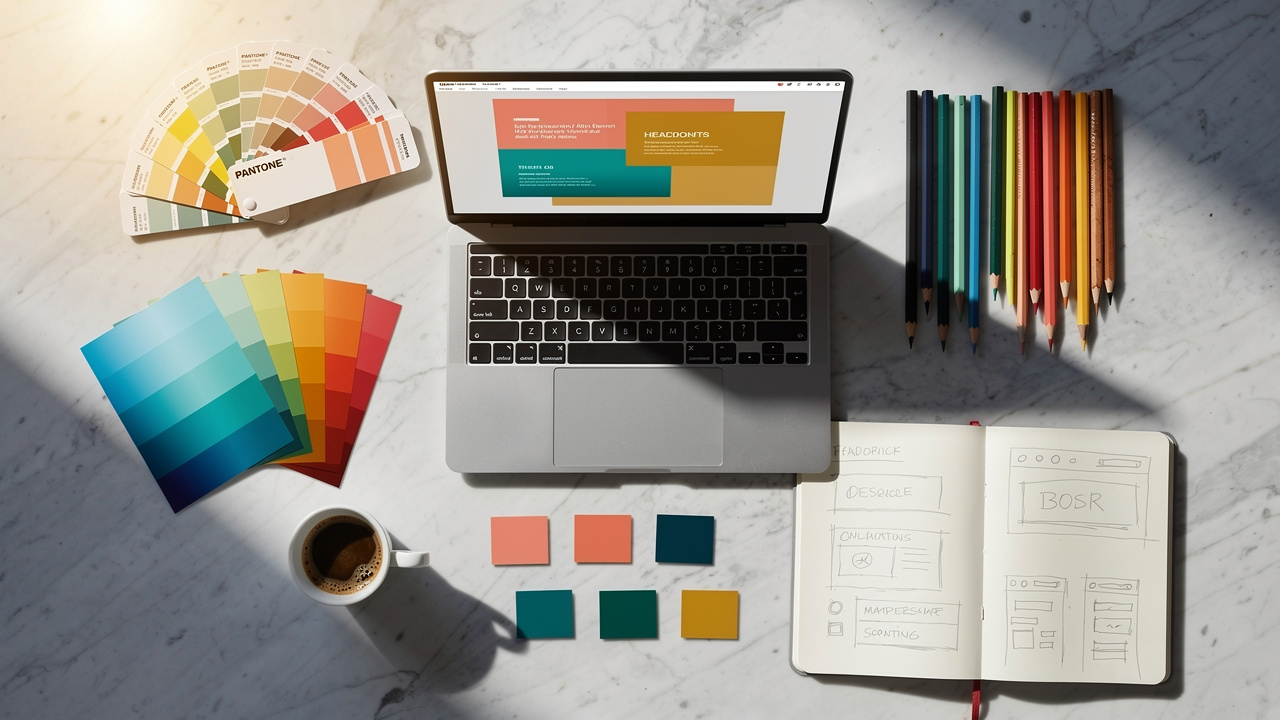
Canva is the quiet hero for people who are not full time designers but still care how their work looks. Its free plan includes thousands of templates, easy drag and drop editing, and exports for social, print, and presentations. Within minutes, a blank idea can turn into a polished graphic.
Freelancers use Canva for:
Social media posts and ad creatives
Pitch decks and client overviews
Thumbnails and banners
Quick one page documents and simple PDFs
Small business owners lean on it for flyers, banners, and starter brand assets when a full agency is not in the budget. The interface stays friendly even for people who only design once in a while.
Features like the brand kit help keep fonts, colors, and logos consistent across all those pieces. We like to think of Canva and Figma as partners rather than rivals. Figma handles structured product design, while Canva handles the fast moving marketing side that surrounds those products.
#6 Postman — Free API Testing Made Simple

Modern apps talk to many services, and each of those connections runs through an API. Postman makes it easy to see what is happening in those calls. With the free plan we can:
Send REST, GraphQL, and SOAP requests
Inspect headers, params, and bodies
Save everything in collections for later testing
For back end and full stack developers, Postman is an everyday companion while building or debugging endpoints. Front end developers use it to explore third party APIs and test edge cases before writing integration code. Saved collections turn into living documentation that shows how a service behaves in real life.
Teams can share workspaces on the free tier, which is enough for many student groups and small shops. If we prefer open source or very lightweight tools, Insomnia and Hoppscotch are strong options as well. Yet Postman remains the most familiar starting point for many people learning to work with APIs.
#7 Notion — Free Project Management and Documentation in One Place
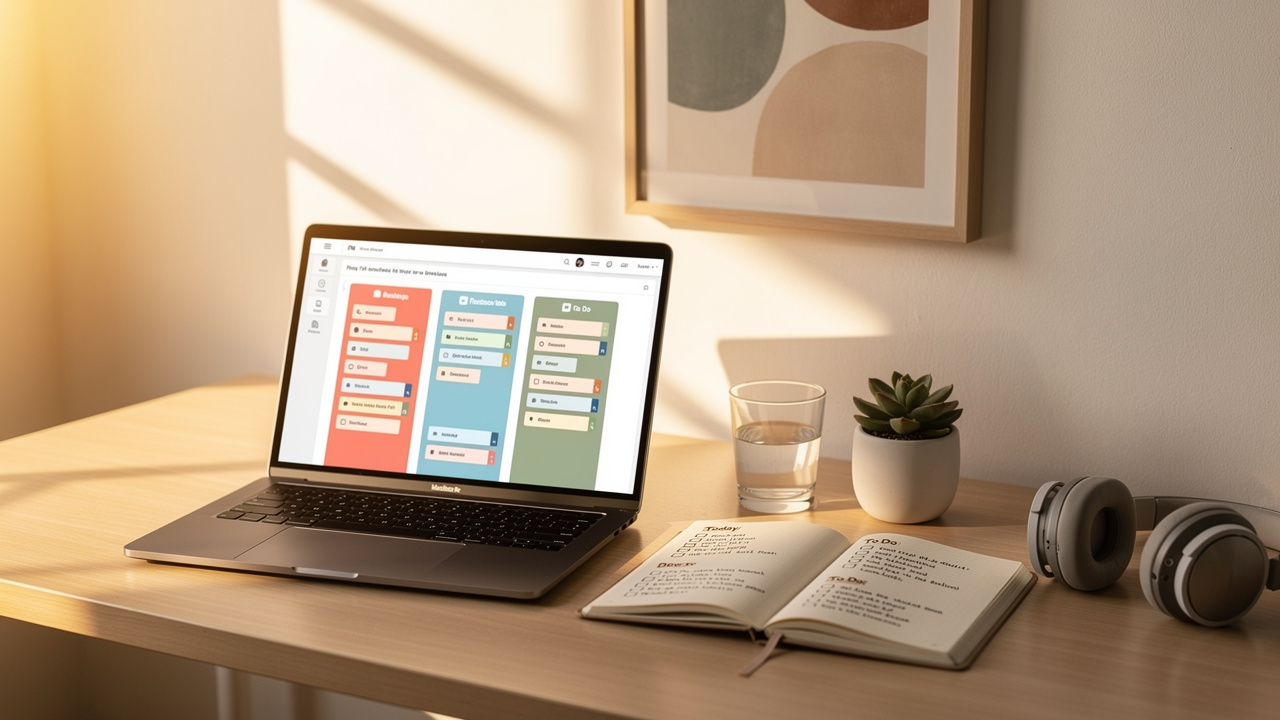
Projects tend to scatter into docs, spreadsheets, task boards, and random chat messages. Notion pulls those threads together. On the free plan we can create:
Pages for notes and meeting summaries
Databases for tasks, issues, or content calendars
Simple kanban boards for sprints or feature queues
Linked views that keep everything tidy for one person or a small group
Developers often use Notion for architecture notes, runbooks, and sprint planning. Designers keep briefs, mood boards, and client feedback in the same workspace. Because pages can link to each other, a single feature can have its user stories, design files, and release notes just one click apart.
Notion AI adds a quiet helping hand by drafting documents, summarizing meeting notes, or turning messy bullets into clean checklists. For many freelancers and student teams, Notion feels like a lighter, friendlier option than heavy project trackers while still keeping work organized.
#8 GitHub Copilot — AI Powered Code Suggestions for Faster Development
Writing code can feel smoother with a good partner, and GitHub Copilot plays that role inside our editor. It reads the current file and surrounding context, then suggests whole lines or even full functions as we type. Copilot works inside VS Code and several other editors, so it fits into workflows we already know.
A key reason it fits this list is access. Copilot is free for verified students and for maintainers of popular open source projects, which covers a large part of this audience. For others, the paid plan is still optional, yet the student program makes a real difference for learning and early career work.
In daily use, Copilot shines when we write boilerplate, repeat patterns, or simple tests. It can help with doc comments and small refactors too. Other tools such as ChatGPT or Claude Code are great for deeper questions, but Copilot stays close to the keys and keeps us moving without breaking focus.
#9 Docker — Free Containerization for Consistent Development Environments
Almost every team has hit the classic problem where code runs on one laptop but fails somewhere else. Docker addresses that problem by packaging an app with everything it needs into a container. That container then runs the same way on any machine that has Docker installed.
With Docker Desktop, individuals and small teams can start for free. We can spin up databases, message queues, or full stacks on a local machine with short configuration files instead of long setup guides. New team members can get a working environment in minutes rather than days.
Once containers are part of the workflow, deploying to servers or cloud platforms becomes more predictable. For larger systems with many containers, tools like Kubernetes help manage the bigger picture. Yet for many freelancers, students, and small businesses, Docker alone makes development and deployment far less fragile.
#10 Coolors AI — Free AI Powered Color Palette Generation for Designers
Picking colors that work well together can eat up hours. Coolors AI turns that hunt into a quick, playful step. It runs in the browser, so there is no install, and the free version already handles most daily needs for designers and creators.
We can start from a single hex value, a brand mood word, or a reference image, and Coolors suggests matching palettes. It is easy to lock one or two colors, then shuffle the rest until something feels right. This keeps control in our hands while still speeding up the search.
Export options make the output useful right away. Palettes can move into CSS variables, design tools like Figma, or Adobe formats without manual retyping. For deeper color work, tools such as Chromos or Adobe Firefly help extract tones from photos, while image generators like Midjourney can inspire fresh combinations that Coolors then refines — and for a comprehensive look at how AI design tools fit together, the 15 Best AI Tools roundup from Builder.io covers the wider landscape well.
Conclusion
Putting together Boost Your Workflow: 10 Essential Free Dev & Design Tools for 2026 shows one clear theme. A fast, capable setup no longer needs a big software budget. The free tier is good enough for serious development, design, and writing work when we choose our tools with care.
This stack covers almost everything a solo creator or small team needs. VS Code and GitHub handle coding and version control. Figma and Canva cover visuals. Postman and Docker keep APIs and environments steady. Notion and GitHub Copilot guide planning and coding, while Coolors AI adds polish to design.
Running through all of this is Tools Repository, which fills the gaps between these larger platforms. With more than one hundred focused utilities, no login, no tracking, and open source code, it is a quiet anchor for everyday tasks. We suggest bookmarking Tools Repository, trying a few tools right away, and building a lean, privacy friendly toolkit that can grow through 2026 and beyond.
FAQs
Question 1 – Are All The Tools On This List Completely Free?
Most of the tools we covered are either fully free or offer generous free plans that work well for individuals, students, and freelancers. GitHub Copilot is free for verified students and open source maintainers, while others use standard free tiers. Tools Repository is different because it is entirely free, with no paid levels, no login, and no tracking at all.
Question 2 – What Is The Best Free Tool For UI UX Designers In 2026?
For structured interface and product work, Figma remains our top pick, thanks to its browser based app and friendly starter plan — for a wider comparison of options, this roundup of the 10 Best AI Tools for UX designers in 2026 is worth a look. Canva is great for fast marketing pieces and social content that surround those products. When designers need quick helpers for code ready bits, Tools Repository offers web design utilities and UI related generators that run straight in the browser.
Question 3 – Do I Need To Install Any Of These Tools To Use Them?
Several tools on this list are fully web based and need no install. Tools Repository, Figma, Canva, Notion, Postman Web, and Coolors AI open in the browser and are ready within seconds. Visual Studio Code and Docker do require local installation, yet both are free to download and run on common desktop systems.
Question 4 – Is Tools Repository Safe To Use And Does It Track My Data?
Tools Repository follows a strict privacy friendly approach for every tool on the site. There is no login step, so we never collect account data or tie activity to a profile. The platform does not track users across tools, and because everything is fully open source, anyone can read the code and confirm how it behaves.