
How to Calculate Sales Tax: Simple Formulas & Examples

Alisha Anjum

Introduction
The subtotal on the screen looked fine, then the final total popped up and it was higher than expected. That extra line for sales tax can feel like a small surprise, whether we are buying a laptop, billing a client, or checking an online cart. Once we understand how to calculate sales tax ourselves, that surprise turns into a quick, predictable number.
Sales tax is a simple idea. It is a percentage added to the price of many goods and services at the moment of purchase. In the United States there is no federal sales tax, so the rate depends on the state, and often on the city or county as well. For freelancers, small business owners, and anyone who sends quotes or invoices, knowing how to calculate sales tax is a very practical skill.
“In this world nothing can be said to be certain, except death and taxes.” — Benjamin Franklin
In this guide, we walk through the core formula step by step, show how to calculate sales tax to find the final price, and explain how to reverse the math when all we know is the total. We also talk about how rates work across states and why location matters. Finally, we show how our free Sales Tax Calculator on Tools Repository turns all of this into an instant, private calculation, so there is no need to open a spreadsheet every time.
Key Takeaways
Sales tax formula: Sales tax uses a very direct formula, where we multiply the pre-tax price by the sales tax rate written as a decimal. This is the base of how to calculate sales tax for any item or service. Once we remember that one pattern, the rest of the math feels simple.
No federal U.S. sales tax: The United States has no single national sales tax, so each state and many local areas set their own rates. Five states do not charge a statewide sales tax, though one of them still lets local areas add their own rate. This means we always need to check the rules for the exact place where a sale happens.
Working backward from a total: We can also work backward when we already know the total price that includes tax. With a small variation of the same formula, we can pull out the pre-tax price and the tax amount. This helps us check receipts, compare invoices, or confirm that a checkout system is charging the right amount.
Tools Repository’s calculator: Tools Repository offers a free Sales Tax Calculator that turns these formulas into instant answers. We type in the price and rate, or the total and rate, and the tool gives us the tax amount and the full price. It runs fully in the browser, keeps numbers private, and fits neatly into everyday work for developers, creators, and small teams.
What Is Sales Tax and How Does It Work?
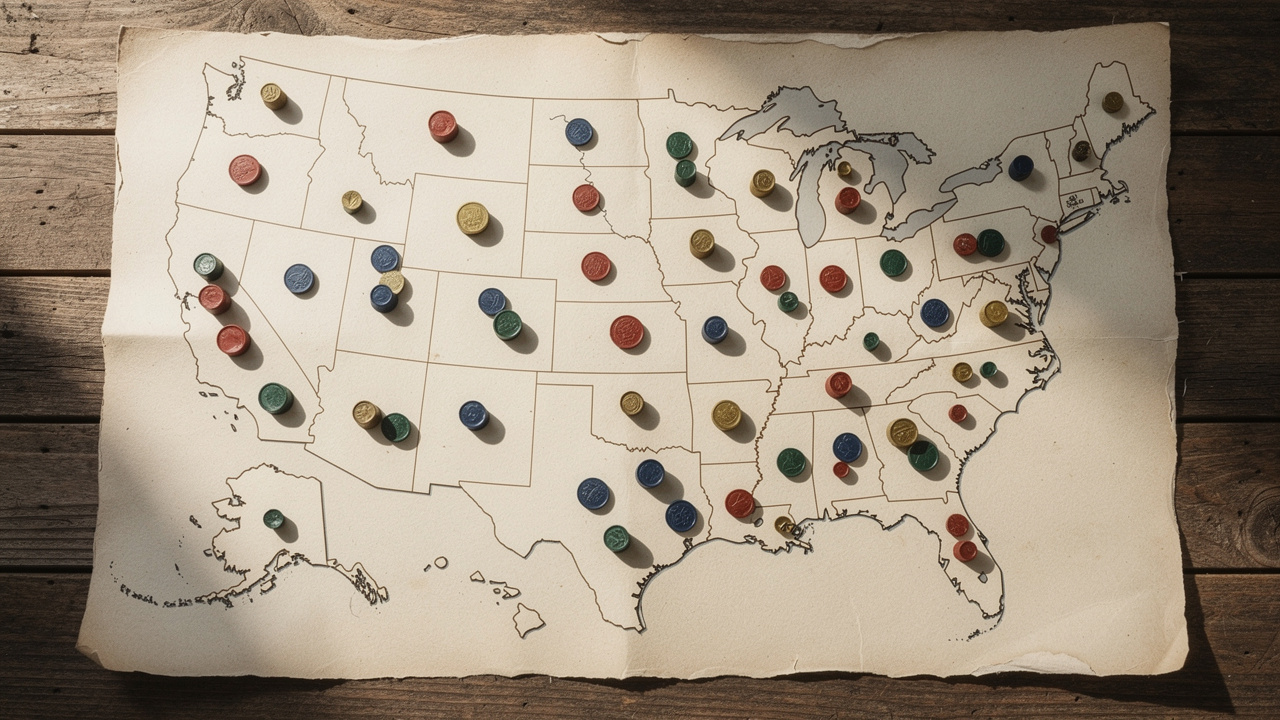
Before we talk more about how to calculate sales tax, it helps to be clear about what it is. Sales tax is a consumption tax that shows up at the cash register or checkout page, added on top of the listed price. The seller collects this money from the buyer and later sends it to the state and local tax agencies.
There is no federal sales tax in the United States. Instead, forty five states and the District of Columbia charge a statewide sales tax, and many cities or counties add more on top — a layered system that the U.S. Bureau of Labor Statistics tracks through its consumer expenditure research, as covered in their consumer expenditure surveys. Five states have no statewide sales tax at all: Alaska, Delaware, Montana, New Hampshire, and Oregon. Even then, Alaska lets local areas charge their own sales tax, so a store in one town may still need to add tax while a store in another may not.
In most of the United States, the price tag or advertised price does not include sales tax. The sticker shows the pre-tax price, and the tax appears only when we check out. That is different from many countries that use value-added tax (VAT) or goods and services tax (GST), where tax is already baked into the price on the shelf. As shoppers and as business owners, it means we often need to do a quick calculation in our head to understand the real total.
Sales tax in the United States is a single stage tax. It is charged only once, when the final buyer pays the retailer. Compare that with systems like VAT or GST, which add tax at each step in the supply chain and give businesses credits for the tax they already paid. For our day-to-day work as freelancers, students, or small business owners, we mostly care about that final step, which is where knowing how to calculate sales tax becomes very handy.
How to Calculate Sales Tax: The Step-by-Step Formula

Now we can get into the main topic of how to calculate sales tax in practice. Even though rates change from place to place, the math behind them stays the same. Once we learn a few small formulas, we can work out the tax amount, the final price, or the original pre-tax price from almost any starting point.
The most common task is to find the sales tax amount on a purchase. To do that, we multiply the pre-tax price by the sales tax rate written as a decimal. For example, if the rate is 7.25 percent, we first turn that into 0.0725 by dividing by one hundred. If a laptop costs 200 dollars before tax, we compute 200 × 0.0725, which gives 14 dollars and 50 cents in sales tax. That is the first step in how to calculate sales tax on any single item.
Once we know the tax amount, finding the final total is easy. We just add the tax to the original price. In the laptop example, we take the 200 dollar pre-tax price and add the 14 dollars and 50 cents of tax. The final price we pay at the register or online checkout is 214 dollars and 50 cents. This pattern works the same way whether we are pricing a single item, a full invoice, or a cart full of products.
Sometimes we have the opposite problem. We know the total amount charged, and we know the tax rate, but we want to figure out the original pre-tax price. That happens when we check a receipt, review a client invoice, or debug a shopping cart. In that case, we divide the total price by one plus the tax rate as a decimal. If the total is 53 dollars and 50 cents and the tax rate is 7 percent, we first turn 7 percent into 0.07, then compute 53.50 ÷ 1.07 to get 50 dollars as the pre-tax price. The difference between the total and that base price is the tax amount.
To keep all of this straight, it helps to have a small quick reference list:
The sales tax amount comes from multiplying the pre-tax price by the tax rate divided by one hundred. This is the core formula behind how to calculate sales tax in everyday work. We can use it for a single price, or for a full invoice total before tax.
The total price with tax comes from adding the tax amount to the original pre-tax price. This step is as simple as one more addition once we have the tax amount. Many people remember this pattern as “price, plus tax, equals total”.
The pre-tax price comes from taking the total price and dividing it by one plus the tax rate written as a decimal. This reverse formula is helpful when we only see the final number on a receipt or statement. It lets us check that a system charged the right tax rate.
The formulas for how to calculate sales tax are not hard on their own. The harder part is choosing the correct tax rate to plug into them, which depends on where and what we are selling. That is what we look at next.
Understanding U.S. Sales Tax Rates: State, Local, and Product-Level Variations

When we talk about how to calculate sales tax for real purchases, the first question is often which tax rate to use. In the United States, that answer has three main pieces. There is the statewide rate, the local add ons, and the rules about which products or services are taxed in the first place.
“Taxes are what we pay for civilized society.” — Oliver Wendell Holmes Jr.
At the state level, forty five states and the District of Columbia set a base sales tax rate. These state rates cover a wide range. Colorado sits at 2.9 percent, while California is at 7.25 percent. To give a quick sense of how different states compare, here is a short reference table.
| State | Base Rate | Max Combined Rate |
|---|---|---|
| California | 7.25% | 10.50% |
| Illinois | 6.25% | 10.25% |
| Texas | 6.25% | 8.25% |
| Washington | 6.50% | 10.60% |
| Delaware | 0% | 0% |
| Oregon | 0% | 0% |
These combined rates show how state tax is only the starting point. Counties, cities, and special districts often add their own local sales tax on top. In Illinois, for example, the statewide rate is 6.25 percent, but in parts of Chicago the total can reach 10.25 percent once local taxes are added. That means two stores a few blocks apart can charge different tax on the same product, even though they share the same state.
Product and service rules add another layer when we work out how to calculate sales tax for a bill or invoice. Many states do not tax basic groceries, prescription medicine, or seeds used to grow food. Some states tax services like landscaping or data processing, while others do not. There are also special extra taxes for certain items, such as alcoholic drinks served for immediate use in some states. The same shopping list can produce a different tax total in two places, even when the percentages look similar, because different lines are taxable.
Location precision matters a lot when we pick the rate that goes into our formulas. ZIP codes often cross city or county borders, so two addresses with the same ZIP can fall under different tax rules — a dynamic well illustrated by Minnesota’s annual sales ratio studies, which show how property and sales values vary at a hyper-local level. Online tax tools that use a full street address and geolocation give a much better result, because they match the exact set of state and local rules for that point on the map. Once we have the right rate, we can return to the simple steps of how to calculate sales tax with the formulas from the previous section.
How to Calculate Sales Tax Instantly with Tools Repository’s Free Calculator

All of this explains how to calculate sales tax by hand, but many of us just want a quick answer. That is where the free Sales Tax Calculator on Tools Repository fits in. It gives us the speed of a tiny script without the work of writing or maintaining one.
The idea is simple. We enter the pre-tax price and the sales tax rate, and the calculator shows the tax amount and the total price in real time. We can also start from the total price and the rate when we want to find the base price and the part that was tax. This makes it easy to check an invoice, test a pricing grid, or see how a rate change would affect our customers.
A straightforward way to use Tools Repository’s Sales Tax Calculator is:
Open Tools Repository in your browser and choose the Sales Tax Calculator.
Decide whether you are starting from a pre-tax price or a total price with tax.
Enter the price and the sales tax rate as a percentage.
Read the calculated tax amount and final total, or the base price if you started from the total.
Some of the benefits stand out when we compare this with manual work or heavy software:
The calculator gives instant results as we type, which means we can try several prices or rates in seconds. This is handy when we want to see how to calculate sales tax for different states or discount levels during planning. We get the feel of a small code sandbox without leaving the browser tab.
The math this tool uses follows the same formulas we just walked through, and it relies on high precision number handling. That keeps rounding issues low, even when we deal with many decimal places. For people who price digital products, subscriptions, or hourly work, that level of accuracy matters.
The Sales Tax Calculator is fully client side, so every number stays in the browser and never touches a server. There is no login, no tracking script, and no stored history, which makes it a safe choice for financial figures. It is also completely free and part of a larger set of more than one hundred open source tools on Tools Repository that help with text, code, design, and simple finance tasks.
We still suggest talking with a tax professional for formal filings or complex cases. For day-to-day work, though, our calculator is a fast way to apply what we know about how to calculate sales tax without grabbing a notebook or opening a spreadsheet.
Conclusion
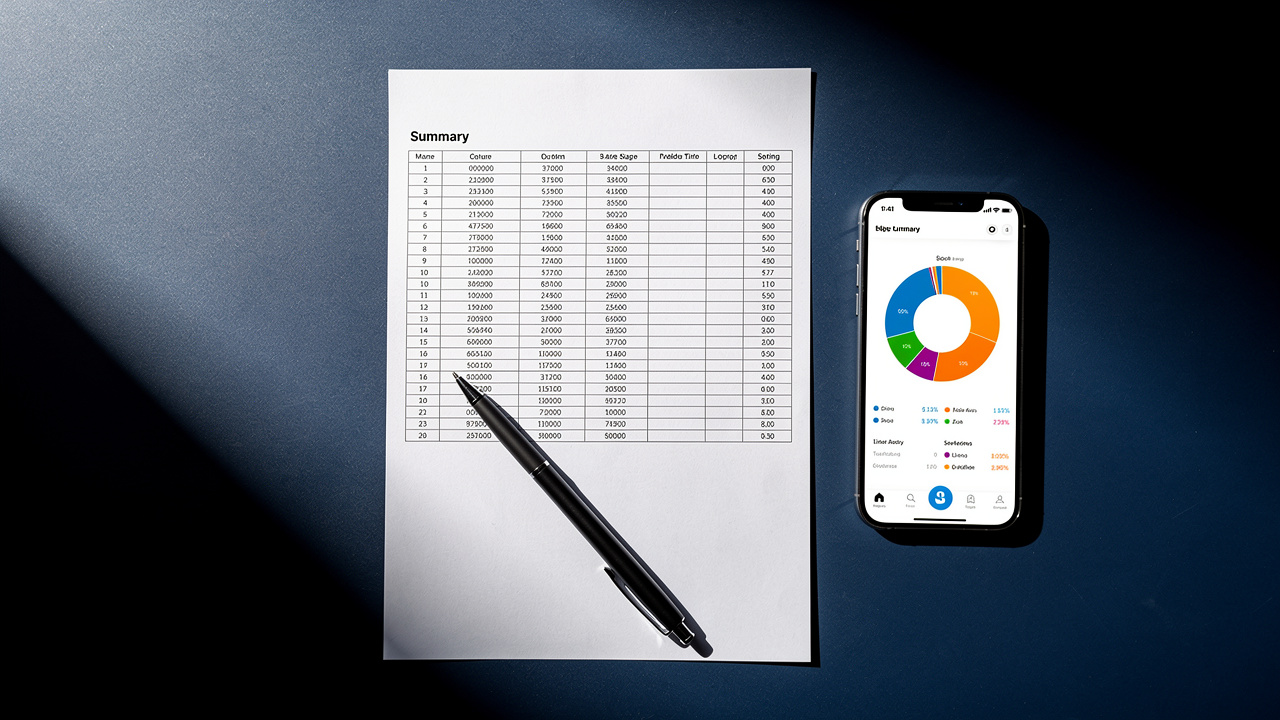
Once we strip away the confusion, how to calculate sales tax comes down to a small set of clear formulas. We multiply the pre-tax price by the tax rate to find the tax amount, add that tax to get the total, or divide the total by one plus the rate to work backward. The math does not change from state to state.
The real challenge is picking the correct rate for where and what we are selling, since state, local, and product rules all come into play. Staying aware of those rules helps us avoid surprises at checkout, when setting prices, and when reading invoices. Knowing how to calculate sales tax also makes it easier to catch small errors before they turn into bigger problems.
Tools Repository’s free Sales Tax Calculator wraps these ideas into a fast, private tool that runs in the browser and never asks for a login. For the next quote, purchase, or pricing test, we can open the calculator, enter a price and rate, and see the full tax breakdown in a moment.
FAQs
What Is the Basic Formula for Calculating Sales Tax?
The basic formula for how to calculate sales tax is:
Sales tax amount = Pre-tax price × (Sales tax rate ÷ 100)
For example, if something costs 50 dollars and the rate is 8 percent, the tax is 50 × 0.08, which equals 4 dollars. Tools Repository’s Sales Tax Calculator applies this same formula for us automatically.
How Do I Calculate the Pre-Tax Price From a Total That Already Includes Sales Tax?
To find the pre-tax price from a total, we divide the total by one plus the tax rate written as a decimal. As an example, if the total is 107 dollars at a 7 percent rate, we compute 107 ÷ 1.07 to get a base price of 100 dollars. The difference between those two numbers is the sales tax amount.
Which States Have No Sales Tax?
Five states do not charge a statewide sales tax, and they are Alaska, Delaware, Montana, New Hampshire, and Oregon. Alaska, however, lets local cities or boroughs charge their own sales tax, so some places there still collect it. Because of these local rules, it is always wise to check the exact location before deciding how to calculate sales tax on a purchase.