
How to Convert RGB to Hex: Formula, Code & Tools

Alisha Anjum
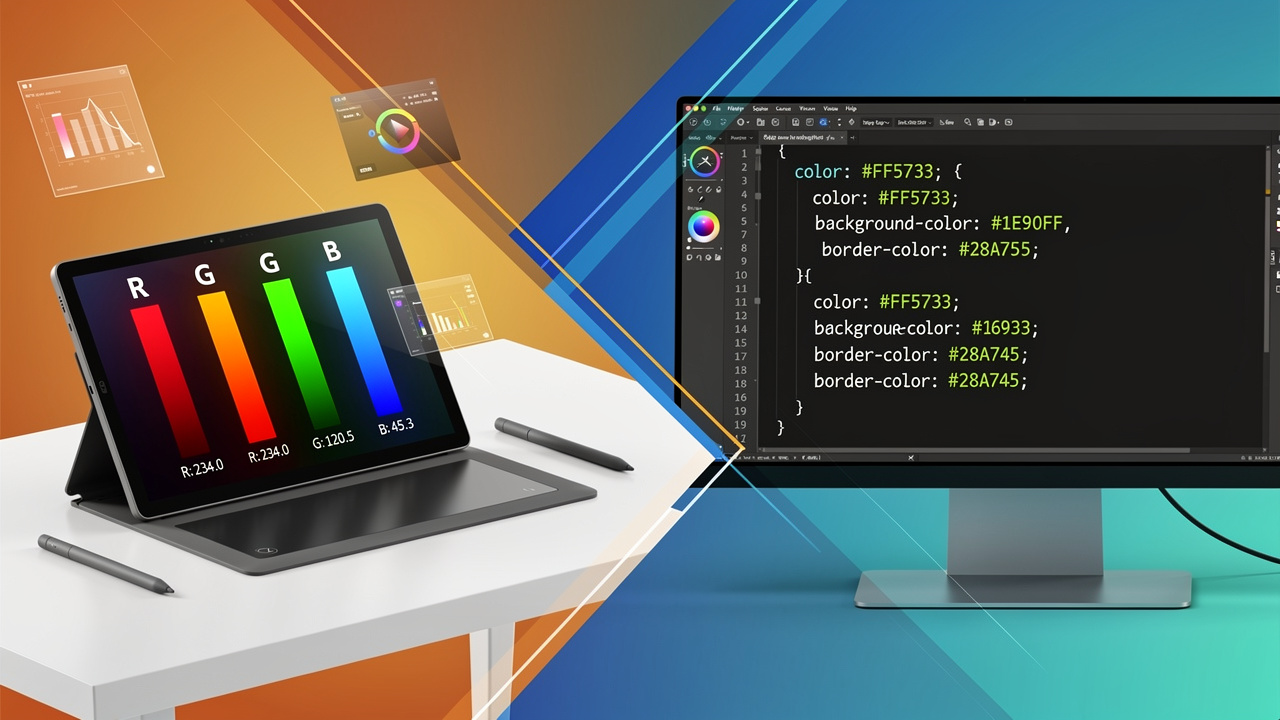
You just pulled a color from a design file and it reads rgb(255, 165, 0), but your CSS stylesheet only wants a hex code. This mismatch trips up web developers, designers, and even students constantly, because most design software and code editors don’t always speak the same color language. Knowing how to convert RGB to hex closes that gap fast, whether you’re styling a button or matching a brand palette.
Hex color codes are just a different way of writing the same red, green, and blue values using a compact, six-character format. This guide walks through the exact math behind the conversion, shows ready-to-use code snippets for JavaScript and Python, and covers the quickest tool-based shortcut for when you don’t want to do any math at all. You’ll also pick up the rules for transparency, shorthand codes, and the small mistakes that trip up even experienced developers.
By the end, you’ll have more than one way to convert RGB to hex, so you can pick whichever fits your workflow. Let’s start with the basics of what separates these two color formats.
Key takeaways
Readers short on time can scan these points before working through the full guide below. Each one answers a question that comes up constantly when switching between RGB and hex color formats in design or code.
- RGB and hex describe the exact same colors, just using different number systems, so converting between them never changes the actual shade.
- The quickest way to convert RGB to hex is a free online tool, which skips the math entirely and gives instant results.
- Each RGB channel, valued from 0 to 255, maps directly to a two-digit hex value between 00 and FF.
- JavaScript and Python both include built-in methods that handle the conversion in a single line of code.
- Shorthand hex codes and 8-digit alpha transparency codes follow their own simple, learnable rules.
Table of Contents
- What’s the difference between RGB and hex color codes?
- How do I convert RGB to hex step by step?
- How do I convert RGB to hex in code?
- How do I handle transparency and shorthand hex codes?
- Where do I use hex codes after converting?
- Common mistakes to avoid when converting colors
- The takeaway
- Frequently asked questions
- Can I convert hex back to RGB?
- Why do some hex codes have 8 digits instead of 6?
- Does uppercase or lowercase hex matter?
- Why does my hex color look different on another screen?
- Can every RGB color be shortened to a 3-digit hex code?
- Is it safe to use online RGB to hex converters for client or private work?
What’s the difference between RGB and hex color codes?
RGB and hex are two notations for identical colors, with RGB using decimal numbers from 0 to 255 per channel and hex using base-16 notation from 00 to FF. RGB splits a color into red, green, and blue channels, each expressed as a plain number, which is why it reads naturally to most people (think rgb(255, 0, 0) for pure red). Hex compresses the same three numbers into a six-character code following the pattern #RRGGBB, where each pair of characters stands for one color channel using digits 0 through 9 and letters A through F.
Neither format is more accurate than the other, since both describe the same colors using different color models in image processing, covering the roughly 16.7 million possible colors available to digital screens. The difference comes down to context: RGB tends to show up in design software and image editing tools, while hex has become the standard inside CSS stylesheets and HTML markup. Once you understand that a hex code is simply RGB written in a shorter alphabet, the conversion process itself becomes much easier to follow.
How do I convert RGB to hex step by step?
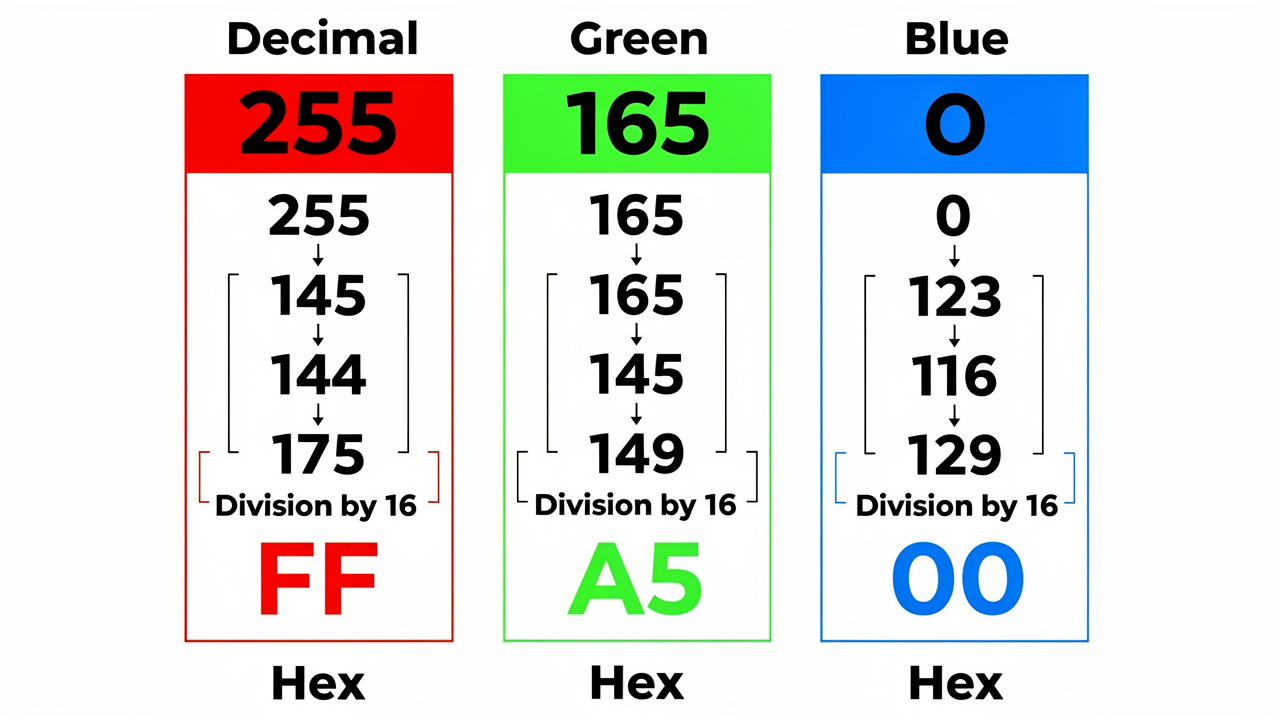
Converting RGB to hex means turning each of the three decimal numbers (0-255) into a two-digit hexadecimal value using the RGB to HSV conversion algorithm logic as a reference point, then joining them behind a hash symbol. To do this by hand, divide each channel’s decimal value by 16 and write down the quotient and the remainder, using letters A through F whenever a digit works out to 10 through 15. The quotient becomes the first hex digit and the remainder becomes the second, so a value like 255 splits into 15 remainder 15, which becomes FF since 15 equals F in hexadecimal. Take the color orange, written as RGB(255, 165, 0), as a full worked example of this process in action.
- Red: 255 divided by 16 gives 15 remainder 15, which converts to FF.
- Green: 165 divided by 16 gives 10 remainder 5, which converts to A5.
- Blue: 0 divided by 16 gives 0 remainder 0, which converts to 00.
Put those three results together and you get #FFA500, the exact hex equivalent of that orange RGB value, and the same division method works for any RGB combination you encounter.
Converting RGB to hex using a free online tool
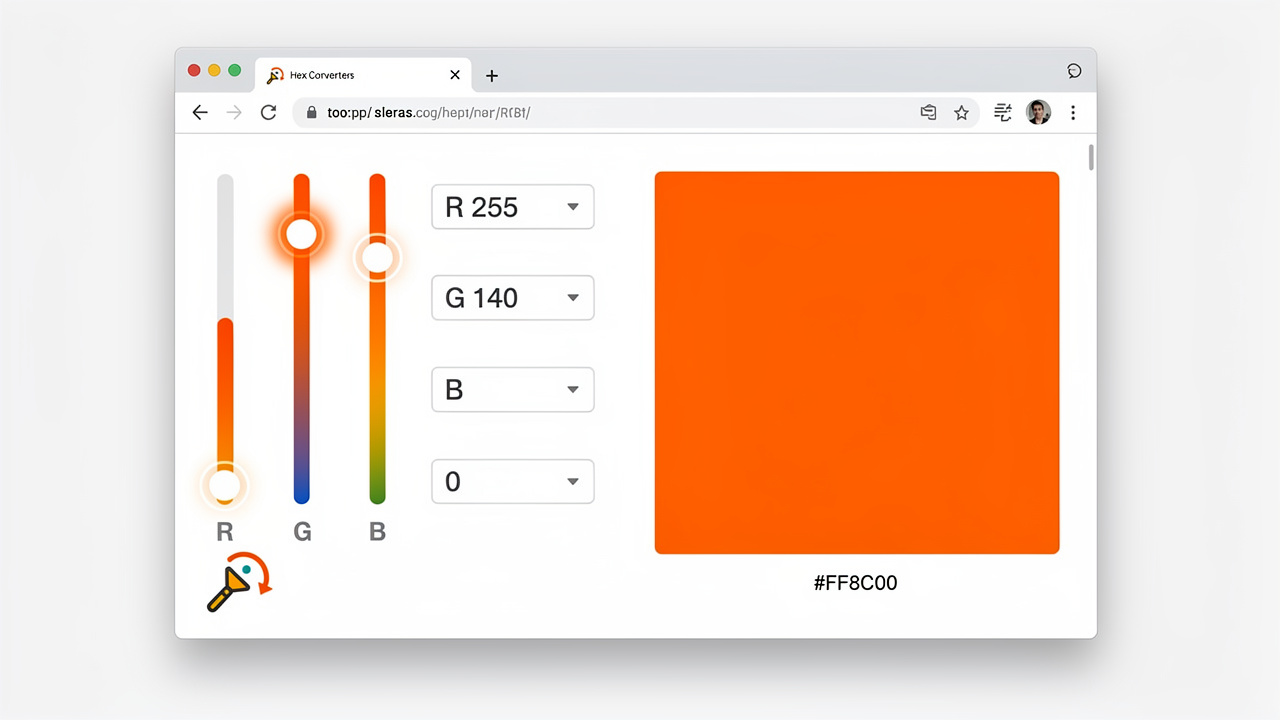
Typing RGB values into a browser-based converter gives you an instant hex code without a single manual calculation, which makes it the fastest option when you just need an answer right now. You enter the red, green, and blue numbers into input fields or adjust sliders, and the tool displays the matching hex code along with a live color preview, so you can confirm it’s the shade you expected before copying it into your project.
Tools Repository offers color utilities that work entirely in your browser, with no signup and no files sent to a server, which matters if you’re converting proprietary brand colors from client work. This approach suits quick, one-off conversions during a design review or a coding session, especially when you’d rather not open a calculator or remember the division steps above.
How do I convert RGB to hex in code?
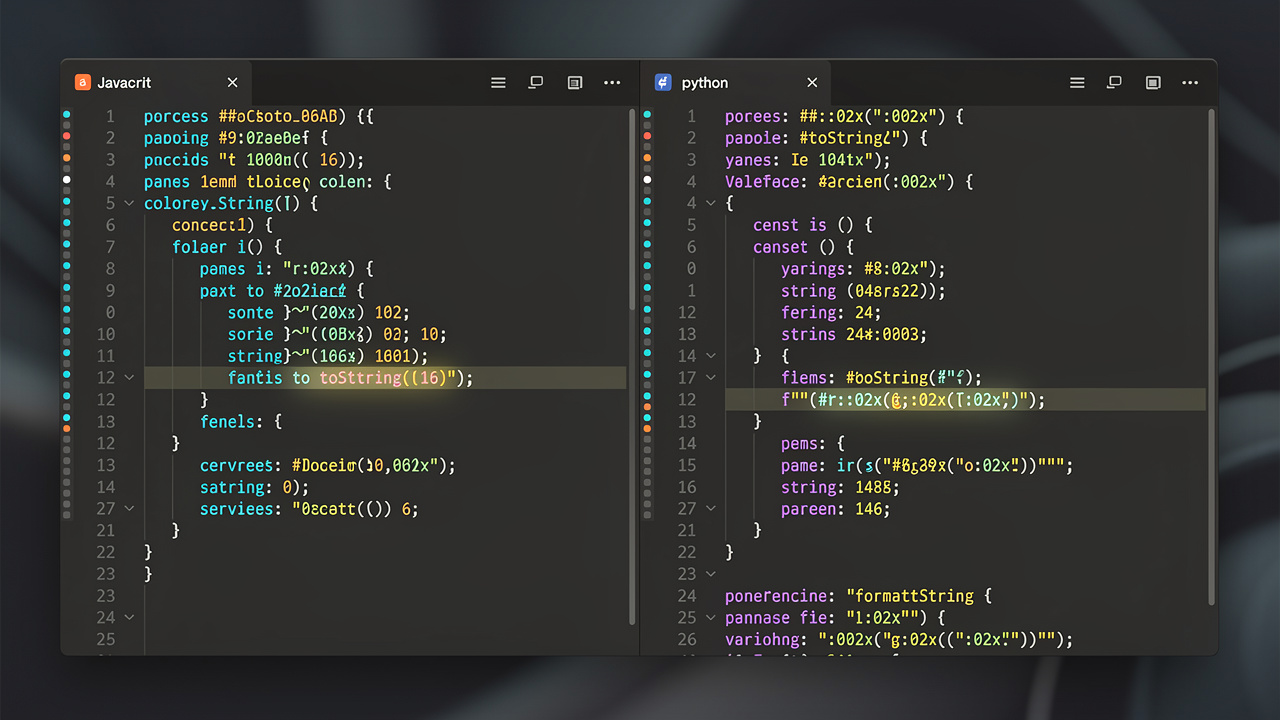
Converting RGB to hex in code usually takes just a few lines, since most programming languages include a built-in method for switching between number bases. In JavaScript, the toString(16) method converts a decimal number straight to hexadecimal, though you need to pad single-digit results with a leading zero so every channel keeps its two-character format.
function rgbToHex(r, g, b) {
  const toHex = (c) => {
    const hex = c.toString(16);
    return hex.length === 1 ? "0" + hex : hex;
  };
  return "#" + toHex(r) + toHex(g) + toHex(b);
}
Python developers can reach the same result with a single formatted string, which keeps the function short and easy to read for anyone processing color data in bulk.
def rgb_to_hex(r, g, b):
    return '#{:02x}{:02x}{:02x}'.format(r, g, b)
Both snippets handle the padding automatically, so you won’t end up with a broken three-character code when a channel value happens to be small.
How do I handle transparency and shorthand hex codes?

Handling transparency means extending a standard hex code to eight digits, while shorthand hex shrinks a six-digit code down to three when the pattern allows it. For transparency, you take the alpha value, which normally runs from 0 (fully see-through) to 1 (fully solid), multiply it by 255, round the result, and convert that number to hex just like any other channel. This gives you the #RRGGBBAA format, where the final two characters function like a hex opacity converter controlling transparency instead of color, and current versions of Chrome, Firefox, Safari, and Edge all render it correctly. Shorthand works in the opposite direction, cutting a code down from six digits to three whenever both digits in each pair match exactly, so #FFCC00 can be written as #FC0, but a code like #FFA500 cannot be shortened because its digit pairs don’t repeat.
What is RGBA to hex conversion?
RGBA to hex conversion adds a fourth value, alpha, to the standard three-channel process by converting opacity into a two-digit hex segment appended at the end. You multiply the decimal alpha value by 255, round it to the nearest whole number, then binary converter just as you would a red, green, or blue channel. As an example, RGBA(255, 0, 0, 0.5), which is semi-transparent red at 50% opacity, becomes #FF000080 once the math is applied. The “80” at the end represents 128 in decimal, the rounded halfway point of 255.
Where do I use hex codes after converting?
Hex codes show up constantly inside CSS, where they define everything from text color to background shades and border styling. You’ll see them written directly into property values like color: #FF0000;, background-color: #0080FF;, or box-shadow: 0 0 10px #FF00FF;, and the same format works for SVG fills, strokes, and gradients inside vector graphics.
Beyond individual properties, hex codes keep colors consistent across browsers, operating systems, and design software like Figma or Adobe tools, since the format is universally recognized regardless of platform. This matters most for brand guidelines and design systems, where a single documented hex value needs to render the same way whether it’s viewed in a stylesheet, a component library, or a client presentation.
Common mistakes to avoid when converting colors
The most frequent error in manual conversion is dropping a leading zero, since a channel value like 5 needs to be written as 05 in hex, not just 5, or the whole code shifts out of alignment. Another common issue comes from entering RGB values above 255 or below 0, which aren’t valid in the first place and will produce a nonsensical hex result if a tool doesn’t catch them.
Tip: always validate your input ranges before converting. A quick sanity check on each channel saves you from chasing a color bug that was never really a color bug.
Validating input before conversion solves both problems, and well-built conversion tools automatically clamp out-of-range numbers, so an accidental entry of 300 simply rounds down to the valid maximum of 255. Getting into this habit matters even more when you’re pulling RGB values from an external source, like extracted image data, where formatting inconsistencies are far more likely to appear.
The takeaway
Converting RGB to hex comes down to one simple idea: both formats describe the same color, just with different notation, and once you understand the division-by-16 logic behind it, the process stops feeling like a mystery. Whether you prefer working through the math by hand, dropping a function into your JavaScript or Python project, or skipping the calculation altogether, you now have a reliable method ready for whichever situation comes up.
For everyday work, a free browser-based converter remains the fastest route, and tools like the color utilities on Tools Repository handle the conversion instantly without asking for a signup or sending your data anywhere. Pick whichever method fits your current project, and you’ll never get stuck translating a design tool’s RGB value into working CSS again.
Frequently asked questions
These short answers cover the follow-up questions that tend to come up once the core conversion process makes sense.
Can I convert hex back to RGB?
Yes, the process simply runs in reverse. Split the six-digit hex code into three two-character pairs, then convert each pair from hexadecimal back to its decimal equivalent. The first pair gives you red, the second gives you green, and the third gives you blue, matching the original RGB values exactly.
Why do some hex codes have 8 digits instead of 6?
An 8-digit hex code includes an extra pair of characters at the end representing the alpha, or transparency, channel. The standard 6-digit format (#RRGGBB) only covers color, while the 8-digit version (#RRGGBBAA) adds opacity information, letting you specify a see-through color without separate RGBA notation.
Does uppercase or lowercase hex matter?
No, uppercase and lowercase hex codes are functionally identical, since #FF0000 and #ff0000 both represent the same red. What actually matters is picking one style and sticking with it across a project, since mixed casing can make stylesheets harder to scan and maintain over time.
Why does my hex color look different on another screen?
This happens because of monitor calibration and color gamut differences, not an error in the conversion itself. The hex value is mathematically accurate, but different screens render color slightly differently based on their display technology, which is why testing important colors on real target devices is worth the extra step.
Can every RGB color be shortened to a 3-digit hex code?
No, only colors where both digits in each pair match can be shortened. A code like #AABBCC works as #ABC because each pair repeats, but a code like #FFA500 cannot be shortened since its digit pairs are different from each other.
Is it safe to use online RGB to hex converters for client or private work?
It can be, as long as the tool processes data locally in your browser rather than uploading it to a server. Browser-based platforms like Tools Repository handle color conversion entirely on your device, which keeps proprietary brand colors and unpublished design work protect privacy online throughout the process.