
What Is a URL Shortener? How It Works & Why It Matters

Alisha Anjum
Long web addresses cause real headaches whenever you try to share them. They spill across lines in emails, get cut off in text messages, and trip people up when they try to type one out by hand. A link packed with tracking codes and random characters also looks unprofessional and is nearly impossible to remember. So what is a URL shortener, and why do so many websites and apps rely on one?
A URL shortener is a free web tool that takes a long, messy link and turns it into a short code that still points to the same page. Click the short version, and the service quietly redirects you to the original destination in a fraction of a second. This guide walks through how that redirect works, the real reasons people use shorteners for social media, print, and QR codes, and the security trade-offs worth knowing before you click or create one.
Stick with it, because the next few sections cover the tech behind the scenes and simple ways to stay safe.
Key takeaways
- A URL shortener turns a long web address into a short, clickable link that sends visitors to the same page.
- The system relies on a unique short code and a redirect, usually tagged as a 301 or 302 status.
- People use shorteners for social media posts, QR codes, printed materials, and click tracking.
- Shortened links carry real risks, including hidden destinations and link rot if the service shuts down.
- Always preview a short link, especially one from an unfamiliar sender, before you click it.
Table of Contents
- What is a url shortener?
- Why do people use url shorteners?
- How are short links created behind the scenes?
- What are the risks of using a url shortener?
- Free and privacy-friendly tools for everyday link and text tasks
- The takeaway
- Frequently asked questions
What is a url shortener?
A URL shortener is a browser-based tool that converts a long, complicated web address into a short, memorable link that still leads visitors to the exact same page. It works through a redirect, a quiet instruction that tells your browser where the real content lives, so you never notice the detour. Take a lengthy link like “https://en.wikipedia.org/wiki/URL_shortening” as an example. Wikimedia’s own shortener can compress that into something as short as “w.wiki/U,” and clicking either version lands you on the identical article. The short link acts as an alias, not a copy, so the original page keeps its full content, images, and structure. This trick matters most when space, readability, or shareability limits how a link can be used, whether that’s a tweet, a text message, or a printed flyer.
How does the redirect actually work?
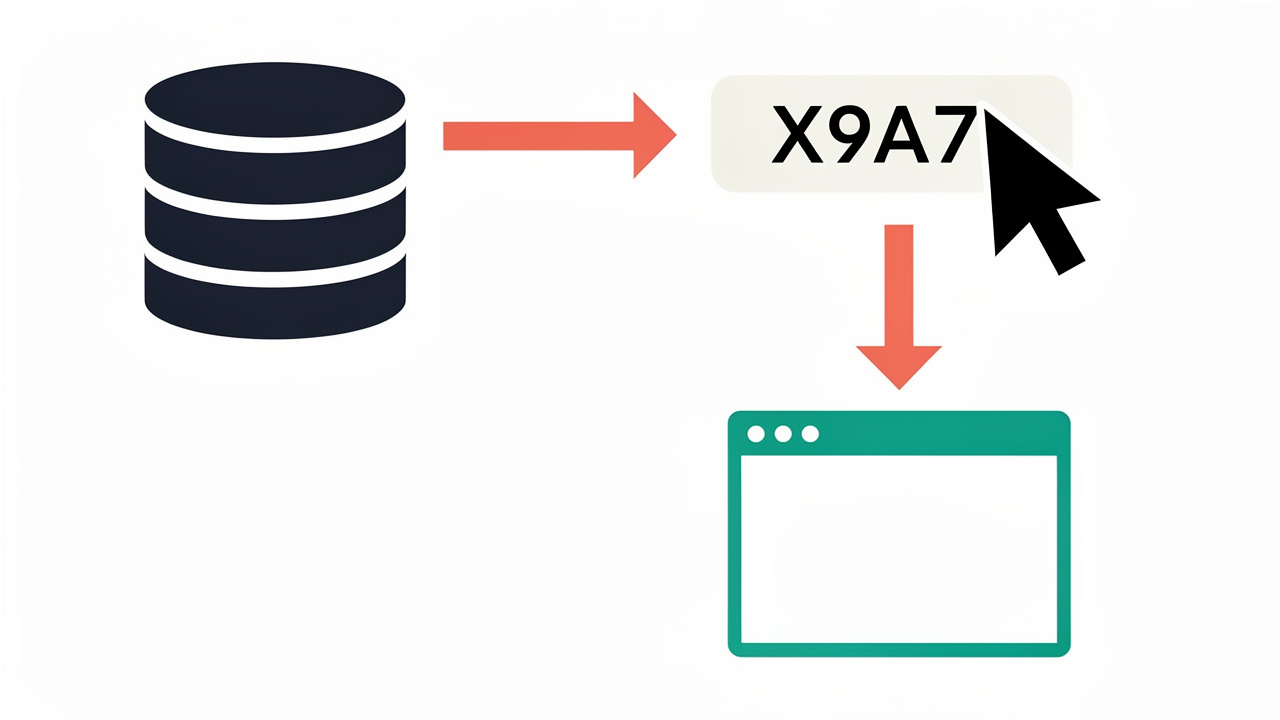
Every shortened link is really just a short code sitting in a database next to its matching long URL. When someone clicks the short link, the service looks up that code, finds the stored address, and sends the browser straight to the real destination. This whole exchange usually finishes in well under a second, so the detour feels invisible to the person clicking.
Most shorteners use a 301 “permanent” redirect, which tells browsers to remember the mapping and skip the lookup next time, or a 302 “temporary” redirect, which checks in with the server on every click. That choice affects speed and whether click data keeps updating after the first visit. Either way, each click adds a small extra step, a lookup and a server round trip, before the final page loads.
Why do people use url shorteners?
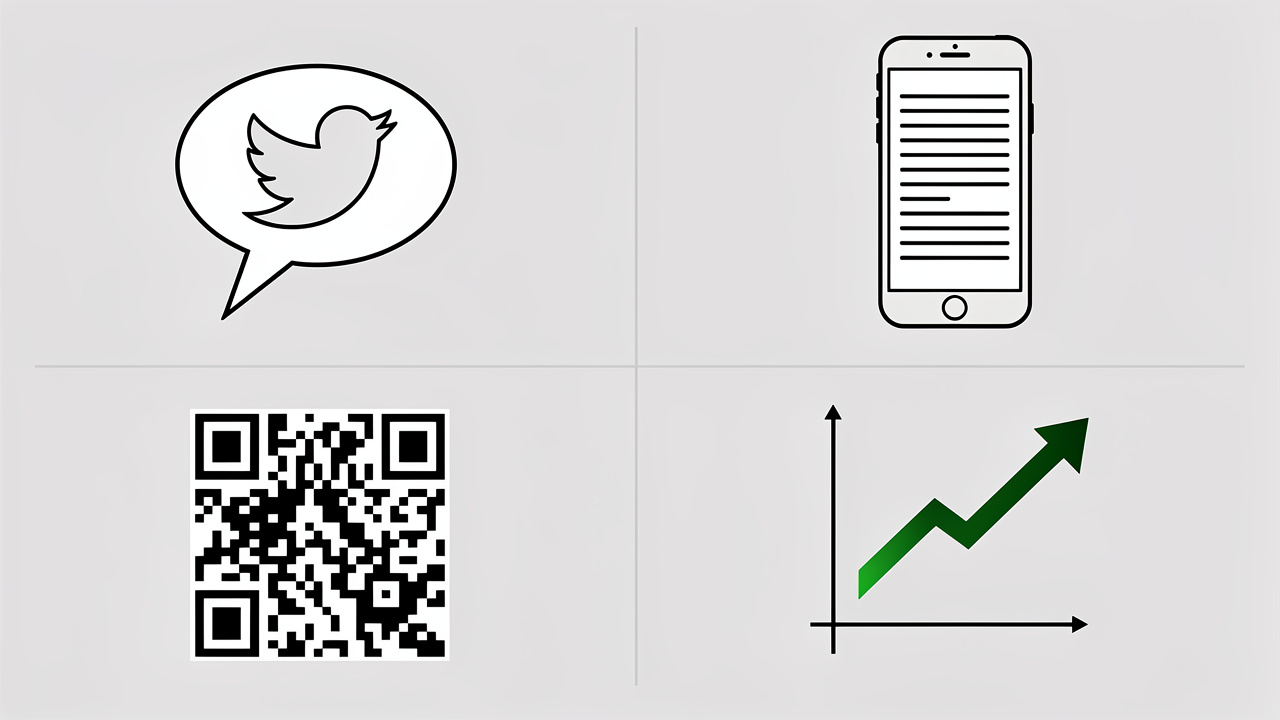
People reach for a URL shortener for a handful of practical reasons, and the right reason usually depends on who is doing the sharing:
- Marketers want clean links for campaigns along with the click data that comes with them.
- Developers and students often just want a tidy link that won’t break when copied into a chat or a document.
- Content writers use shorteners to keep newsletters and printed guides free of clutter.
- Freelancers and small business owners like a short link because it looks more polished on a business card or sign.
The next few sections break down the specific situations where shortening a link makes the biggest difference.
Fitting character limits on social media
Platforms like X, formerly known as Twitter, once limited posts to just character limits, leaving little room for a long web address. X solved this by building its own shortener, t.co, which automatically compresses any link added to a post. Other messaging apps with similar limits still lean on dedicated shorteners such as bit.ly to stay within bounds.
Making links easier to read and share
A raw URL packed with tracking parameters and session codes looks cluttered and is nearly impossible to memorize or retype correctly. Shortening that same link strips away the noise, leaving something clean enough to read aloud, print in a magazine, or drop into an email without breaking across two lines. This readability boost matters most in instant messages, forums, and printed materials.
Optimizing QR codes
QR codes store whatever text or link you feed them, and shorter input means a simpler, less dense pattern of squares. A shortened URL lets designers print smaller codes that still scan reliably from a distance or at an angle. This small tweak improves scan success rates on posters, packaging, and business cards.
Tracking clicks and performance
Most shortening services log every click automatically, showing data like total visits, approximate location, device type, and referral source. This gives marketers and creators a window into what is working without building a separate analytics system. For freelancers juggling limited budgets, that built-in tracking removes a real technical barrier to measuring campaign success.
How are short links created behind the scenes?
Short codes come from one of two common methods, and both aim to guarantee a unique address for every link:
- The first approach assigns each new link the next number in a running count, then converts that number into a compact mix of letters and digits known as base-62, which uses every lowercase letter, uppercase letter, and digit.
- The second approach hashes the original URL, producing a scrambled string and trimming it to the needed length, then checking the database to confirm no other link already uses that exact code.
Seven characters might sound short, but base-62 math turns that into roughly 3.5 trillion possible combinations, a scale of astronomical odds similar to the 2.4 quintillion possibilities found in other combinatorial puzzles, far more than any single service could ever need. That huge number is why collisions stay rare and why services keep minting new short links for years without running out of room.
What are the risks of using a url shortener?
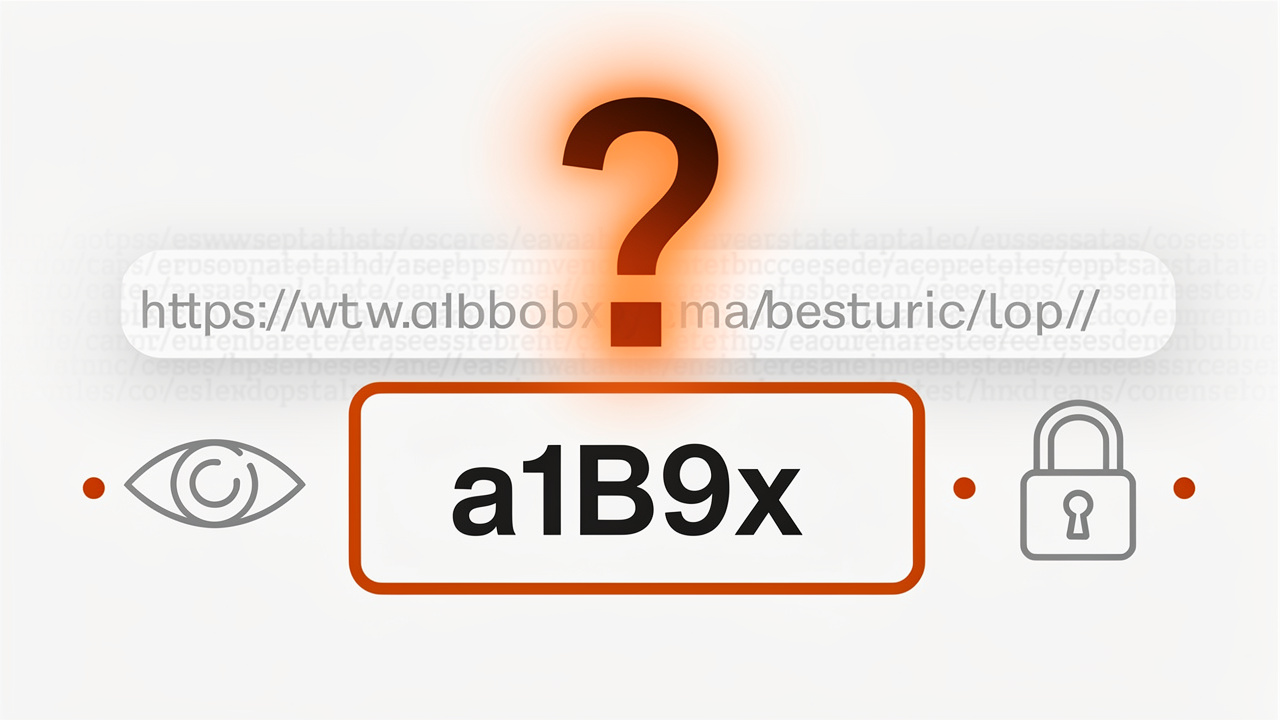
A shortened link hides its true destination behind a random-looking code, and that obscurity is exactly what scammers exploit. A short link can mask a phishing page or a malware download, and there’s no way to tell just by looking at it, which is why researchers have proposed structured URL generation methods for phishing webpage detection to catch these threats automatically. Because short codes form a limited set of combinations, some services are vulnerable to systematic guessing, where an attacker tries codes until a hidden link surfaces, a risk studied in rule-based phishing URL detection research that shows how predictable patterns in shortened links can be exploited, including sensitive ones like private driving directions. There’s also the long-term problem of link rot. If the company running a shortening service shuts down, every link it ever created stops working at once, breaking old social posts and bookmarks with no warning. Research cited in discussions of shortener reliability has found that more than half of the services studied eventually shut down, most often after struggling with spam abuse.
How can I check a short link before clicking it?
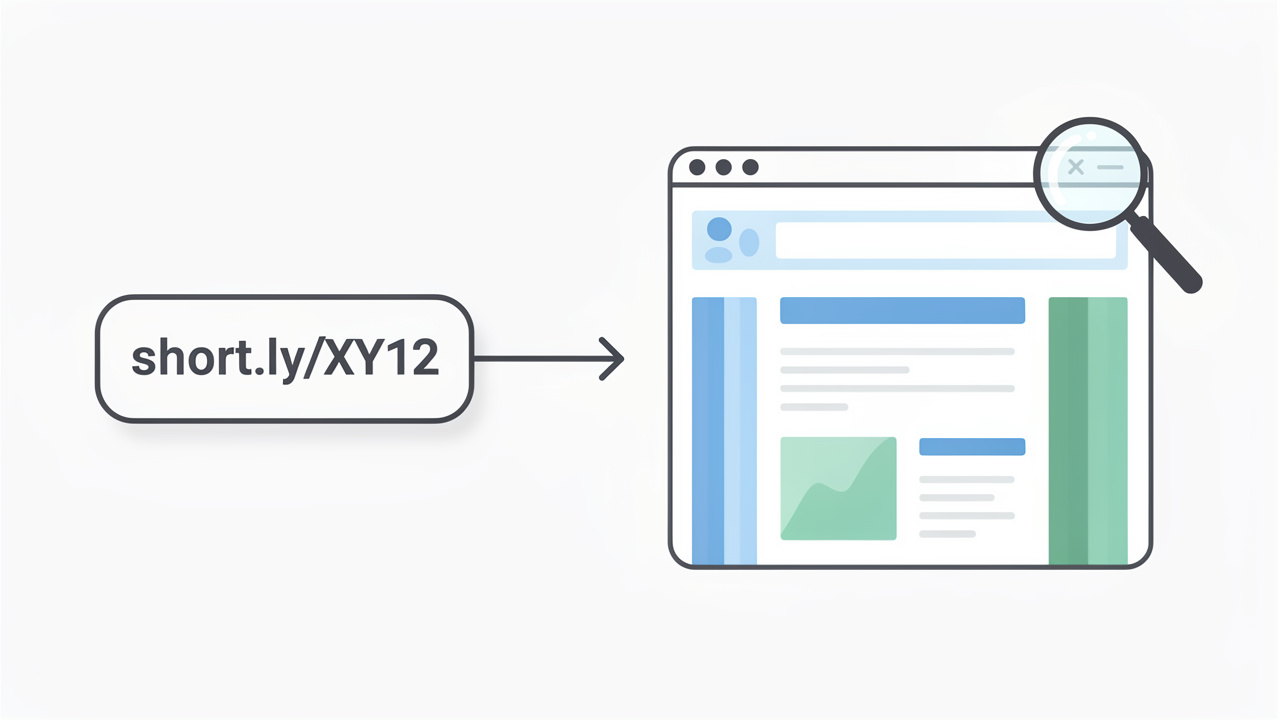
A few services, including TinyURL, offer a built-in preview option, letting you add the word “preview” before the domain to see the real destination first. Independent link-checking tools do the same job for shorteners that lack this feature.
As a habit, hover over a shortened link on desktop or paste it into a checker before tapping it on mobile, especially from senders you don’t recognize.
Free and privacy-friendly tools for everyday link and text tasks
Working with links often means cleaning up text before or after you shorten it, and that’s where a solid set of browser tools earns its keep. Tools Repository offers a collection of free, browser-based utilities that run entirely on your device, so none of the text or links you paste in ever reaches an outside server. That client-side approach matters if you’re handling client URLs, unpublished drafts, or anything else you’d rather keep private.
A few utilities pair naturally with link and text cleanup work. The The Character Counter helps confirm a link or caption fits a platform’s limit before you post it, while the Duplicate Line Remover tidies up lists of URLs pulled from spreadsheets or crawl reports. Add in conversion tools for formatting data, and the set covers the small, repetitive jobs around link sharing, all without a sign-up or a price tag.
The takeaway
A URL shortener is a simple idea, a short code standing in for a long address, but it carries real weight in how links get shared, read, and tracked across social media, print, and QR codes. The underlying system of redirects, unique codes, and caching lets services handle millions of clicks a day while keeping the experience instant for whoever clicks.
Use shorteners with a bit of caution rather than blind trust. Stick to established services, preview unfamiliar links before clicking, and remember that any shortener can disappear and take its links with it. When you need a quick, private way to clean up the text and links around your work, the free utilities at Tools Repository are worth keeping bookmarked alongside whichever shortener you trust.
Frequently asked questions
Here are quick answers to the questions people ask most often about how URL shorteners work and how to use them safely.
Is it safe to click on a shortened URL?
Safety depends heavily on where the link came from. Links shared by trusted brands or verified accounts carry little risk, but random links from strangers or spam messages deserve caution. Use a preview tool to check the destination before clicking anything unfamiliar.
Can a shortened URL be traced back to the original?
Yes. The shortening service keeps a record mapping every short code to its original link, and third-party lookup tools can often reveal that destination without you needing to click through. The address hides the destination at a glance, but it isn’t truly anonymous.
Do shortened links expire?
Some do and some don’t. Many services let links expire after a set number of days, a specific date, or a maximum number of clicks, while others advertise their links as permanent. Since the host service could still shut down, treat any shortened link as temporary.
Can I create my own custom short link?
Many shortening services let you swap the random code for a custom alias that matches your brand, turning a generic link into something readable and memorable. This option is widely available, though some platforms limit it to free or registered accounts.
Why do some websites block shortened URLs?
Sites like Wikipedia and communities on Reddit block or discourage shortened links because they hide the real destination domain, making spam and duplicate submissions harder to spot. Blocking shorteners keeps the source of a link transparent and easy to verify at a glance.
What happens if a URL shortening service shuts down?
Every short link that service ever created stops working immediately, a problem known as link rot. Old social media posts, bookmarks, and printed materials pointing to that shortener become dead ends, which is why established, well-funded services are the safer long-term choice.